Register/Ramp Account
To register for our programs, use the following link:
If you are looking to obtain a copy of your tax receipt online, follow these steps:
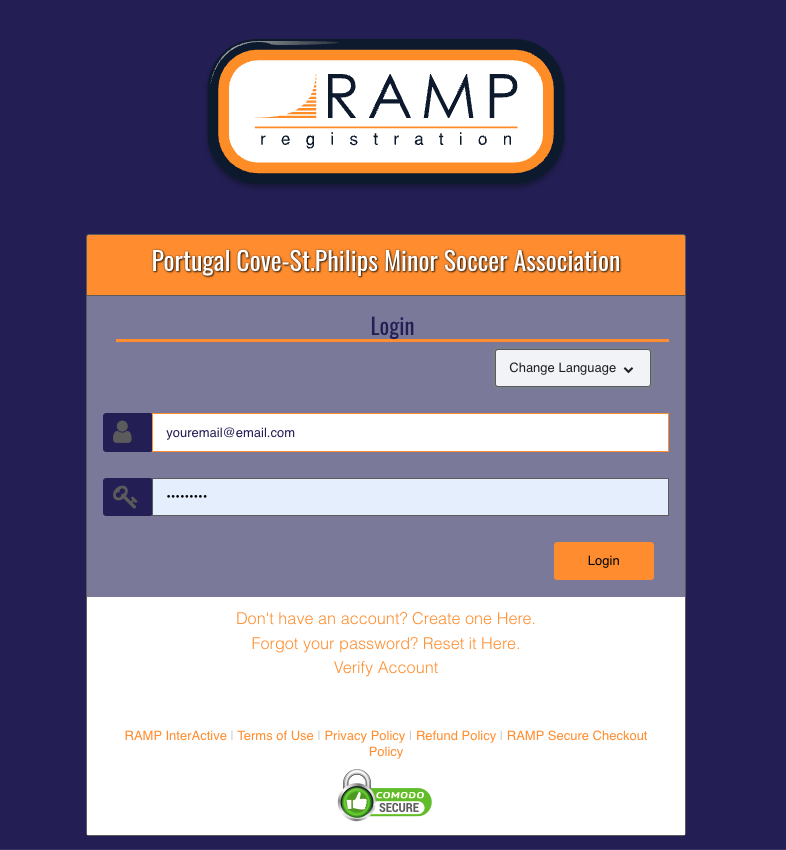
1. Click on the "Register/RAMP Account" link at the top of this page.
2. Then enter your logon information:
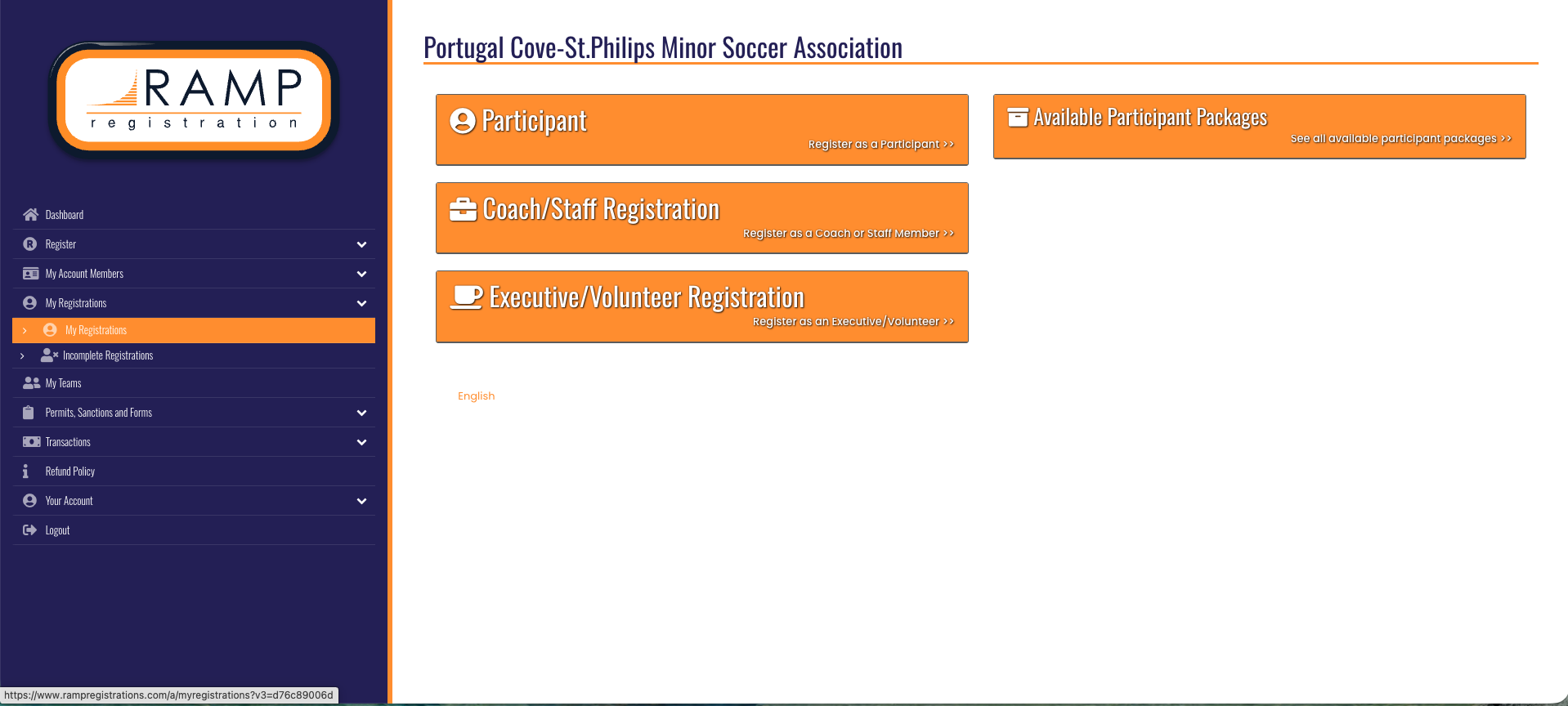
3. On the left-hand menu, select My Registrations:
4. Then select "MANAGE" on the registration for which you want to print the receipt:
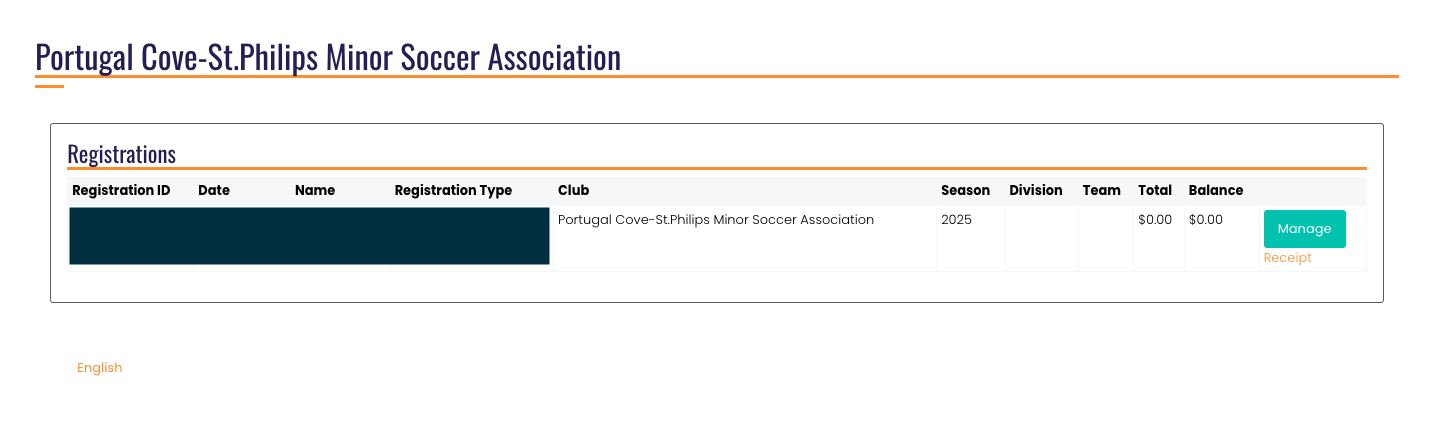
5. In the "Transactions" section, you should see the "Receipt" icon. Click it to access your receipt for tax purposes:

If you have any issues or questions, please reach out to treasurer@pcspminorsoccer.ca.